
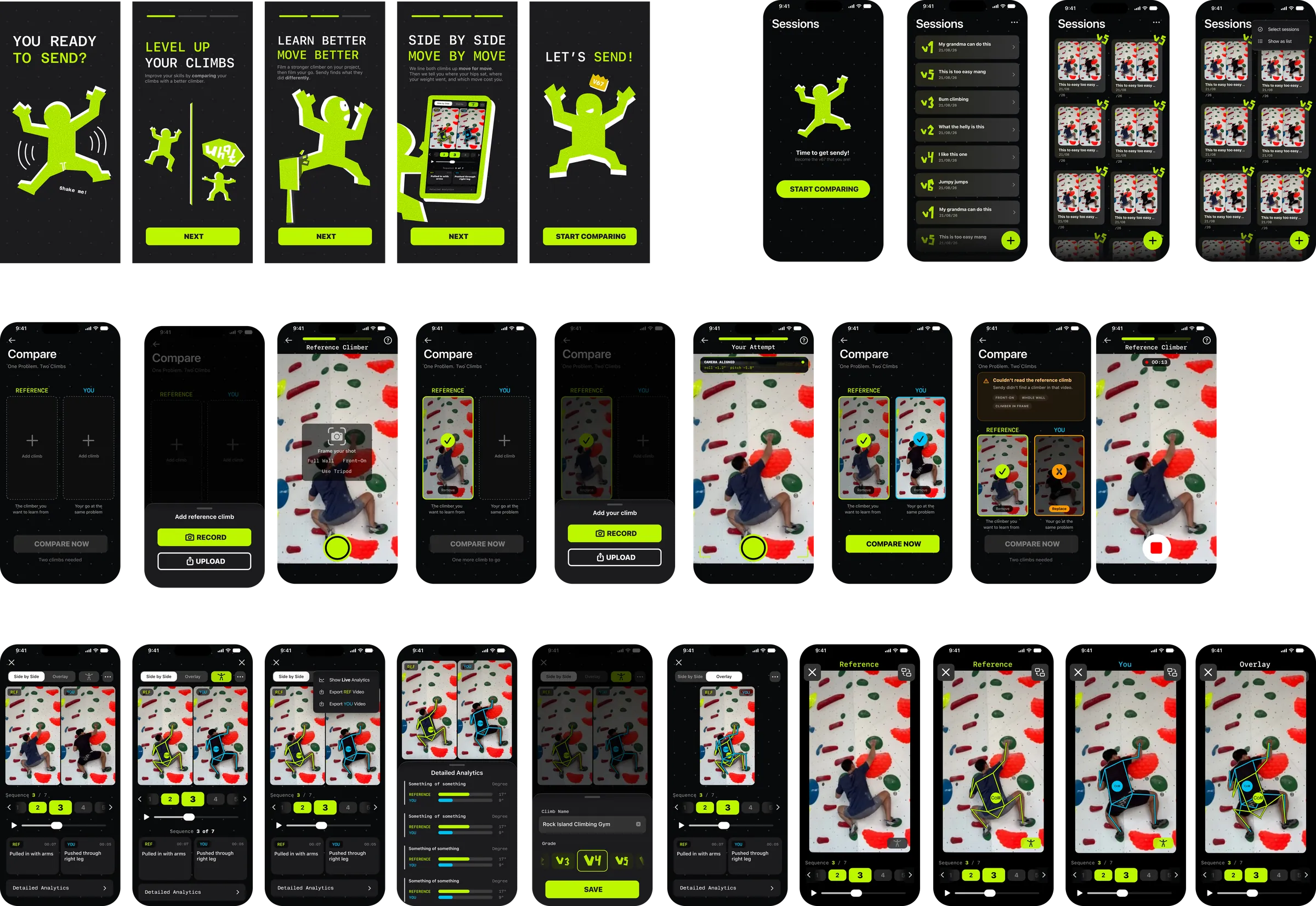
As part of a five-person team at the Apple Developer Academy, I was the UI/UX designer and project manager on "Sendy", an iOS app that lets two climbers compare how they moved through the same bouldering problem. We built it over six weeks alongside Send Society, a local climbing community who agreed to be interviewed, filmed and tested on throughout the project.
The role
My responsibilities were split across two roles. As Project Manager I owned the schedule, ran the team's decision-making and kept the scope inside what five people could deliver in six weeks. As UI/UX Designer I took the product from initial research through to the final high-fidelity prototype, covering the user flows, the interaction design and the visual system the app was built on.
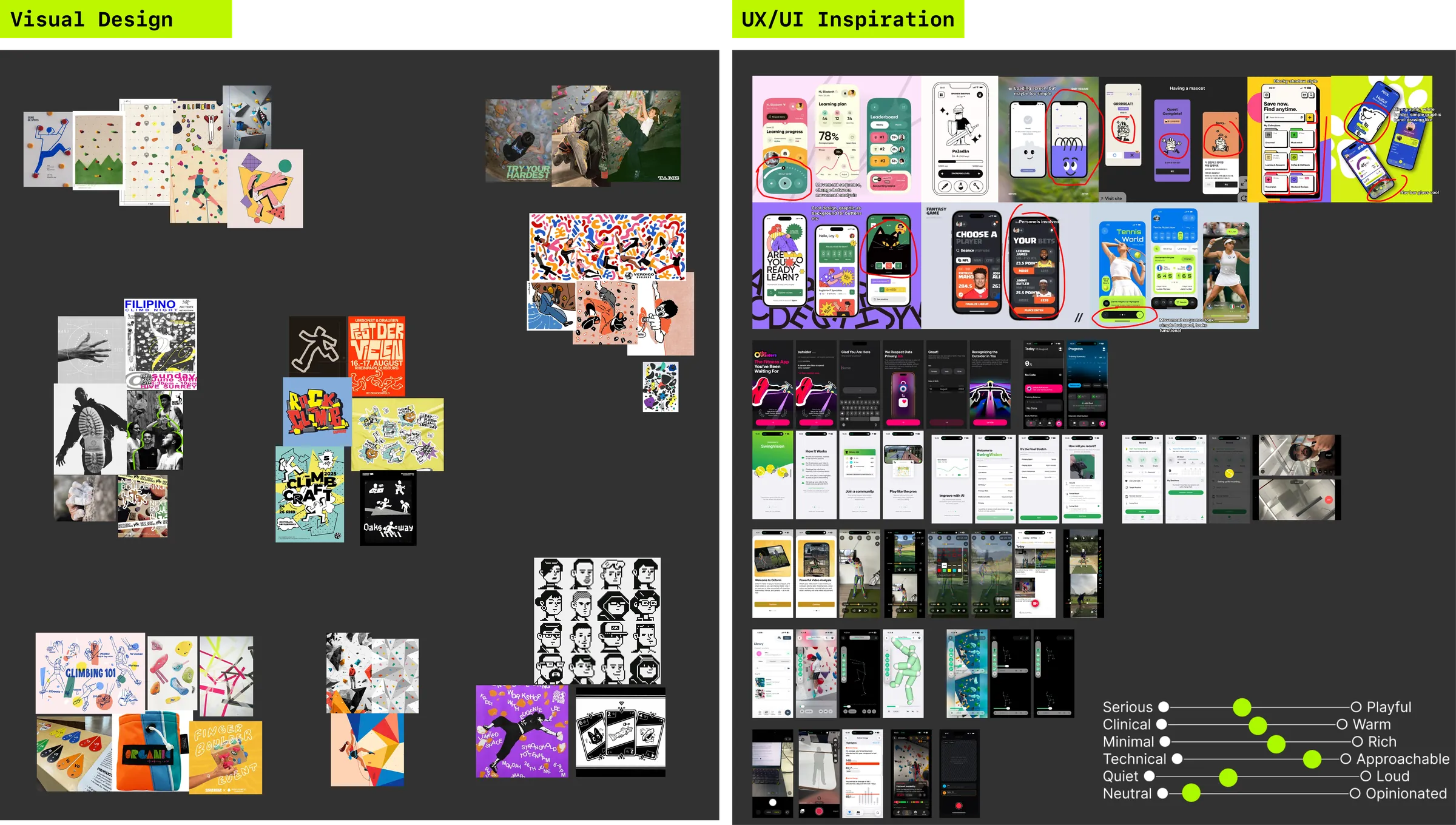
Research
The research phase involved user interviews, field observation at climbing gyms and competitor analysis, which I turned into three user personas. The key finding was that there was a diagnostic gap, where climbers in the V2 to V6 range can see that stronger climbers move differently, but they don't know how or why. We built our product on a single constraint: the app never tells a climber they are wrong. Reach and body type change what counts as good technique, so the stronger climber is presented as a reference rather than a correct answer, and every screen describes a difference instead of grading it.
Designing the comparison
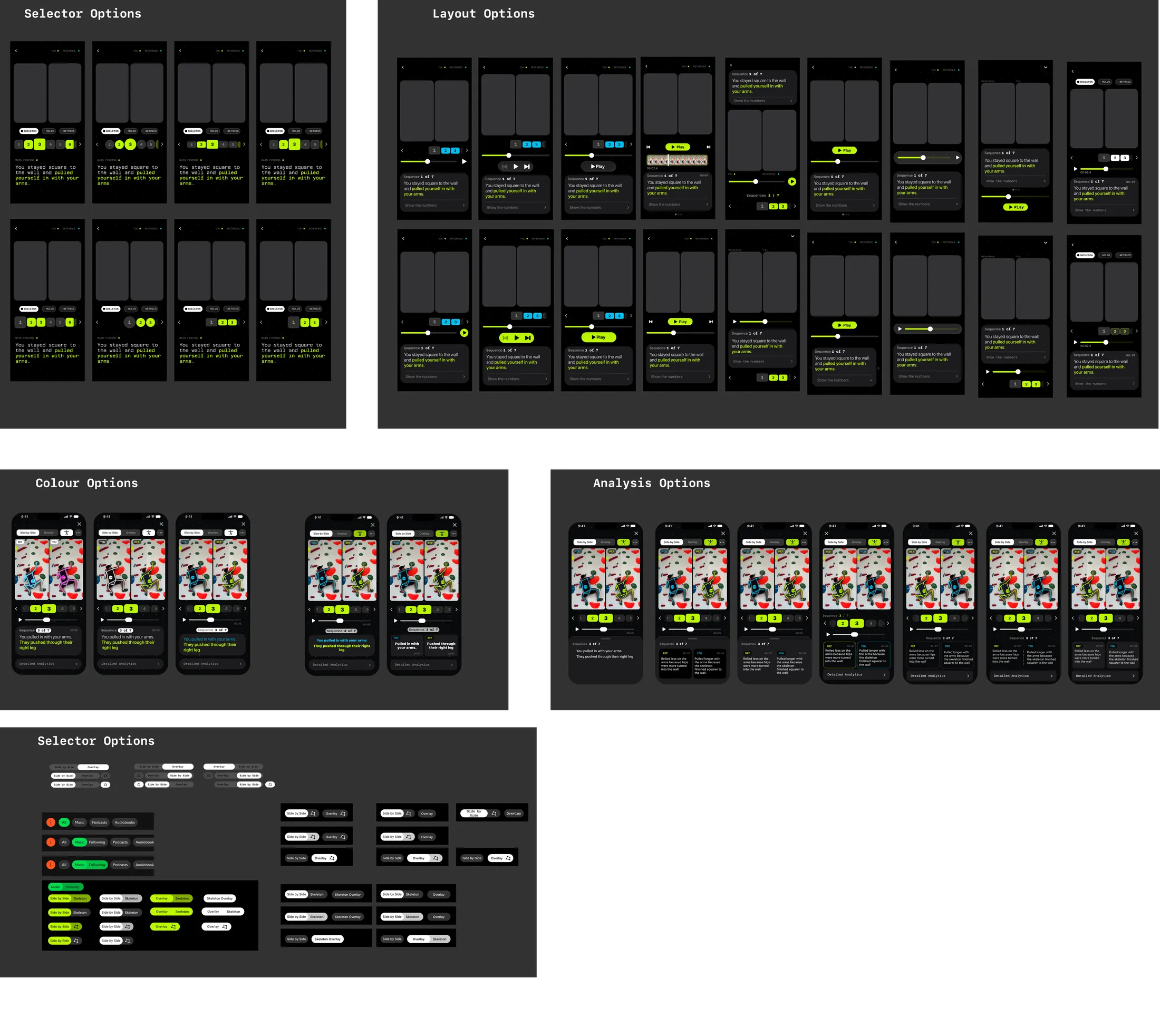
For the analysis experience I designed a scrubbing timeline closer to a chess engine's evaluation bar than a video player, letting a climber jump directly to the moments where the two attempts diverged. In the app there are three comparison modes: overlay, side-by-side and skeleton. Through rounds of usability testing, we narrowed six original modes down to these three, based on what climbers actually wanted to see. A late session with a coach reshaped the analysis screen entirely, which was challenging, but ultimately the right decision.
What I learnt
Sendy taught me how much of a product is decided before any code is written.
Almost every part of the final build is traceable to something a real climber said in an interview or online, and the parts that did not survive testing were the ones I had assumed rather than asked about.
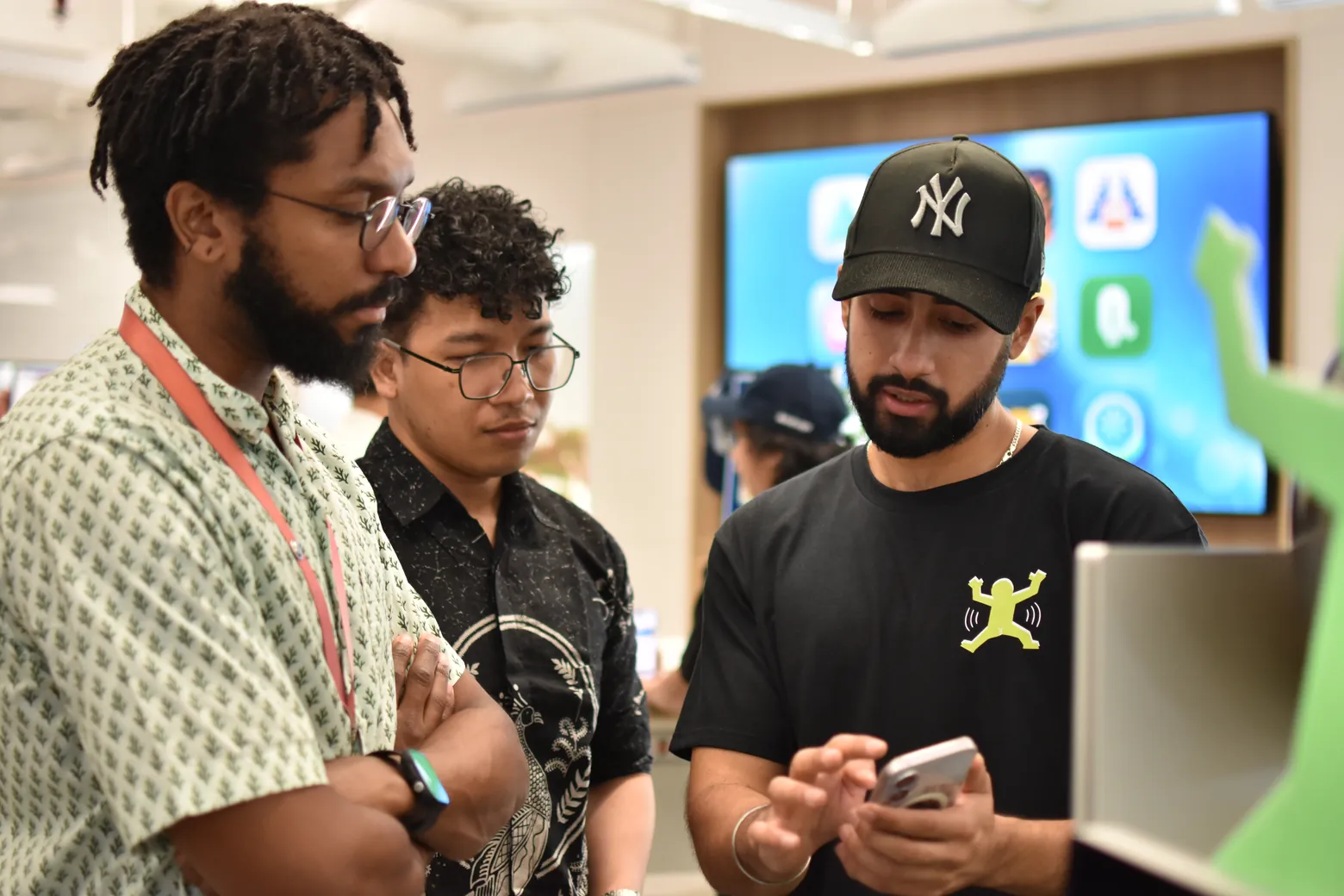
Figma · user interviews · field observation · personas · lo-fi to hi-fi · usability testing